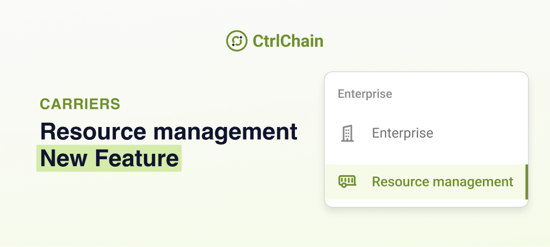
Resource Management in CtrlChain is now more organised, flexible, and easier to navigate.
Managing enterprise users just got simpler. With the new Resource Management section, you can manage users group by group, view their roles within each group, and customise your user list to fit the way you work.
|
|
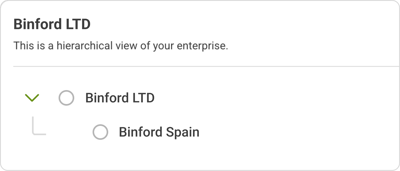
OverviewResource Management replaces the existing Users section in the Enterprise menu. It allows you to manage the people assigned to each of your groups, rather than displaying all enterprise users in one list. |
 |
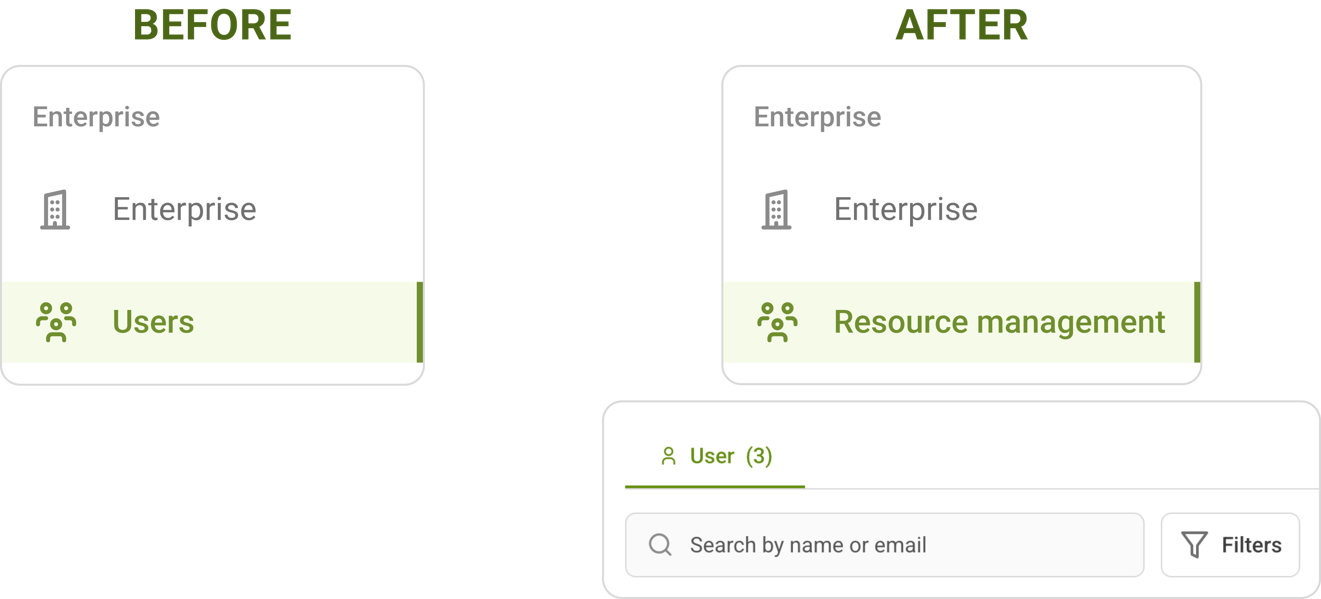
What has changed?From Users to Resource Management The Users option in the Enterprise menu is replaced by Resource Management. When opening Resource Management:
|
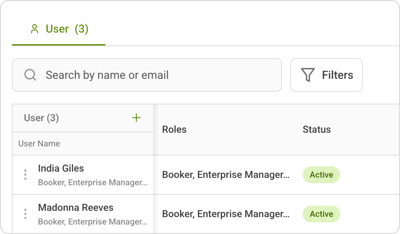 |
Manage users group by group Previously, the Users section displayed every user across your entire enterprise in one list. Now:
You will no longer see all enterprise users in one consolidated list. |
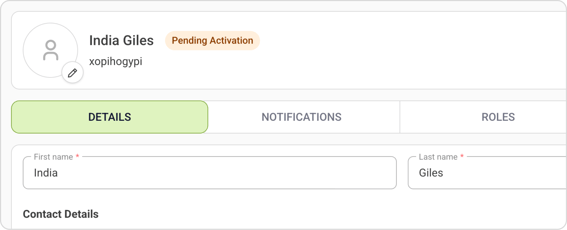 |
What stays the same?Your existing user management functionality remains unchanged.
|
What do you need to do?
Nothing! From now on, simply find your users under:
Enterprise menu → Resource Management → Select group → User tab
Your existing Users bookmark will continue to work.
Questions? Contact your CtrlChain contact person.